 Ελληνικά
 Azərbaycan
 Čeština
 English
 Español
 Français
 हिन्दी
 Indonesia
 Italiano
 Português
 Русский (др. страны)
 Русский (Россия)
 Türkçe
 Українська
 العربية
 简体中文
简体中文
 繁體中文
繁體中文
 日本語
日本語
 한국어
한국어
 Қазақ
Қазақ
A subscription allows you to maximize NumBuster features, providing significantly more useful information and tools for managing your data.
In the Personal Account, you can pay for a subscription and NumCy currency directly with a bank card.
- Open the Dashboard website in your browser: app.numbuster.com.
- Authorize on the site. If you authorize via a messaging app, return to the browser after confirmation instead of opening the mobile app.
- Click the Paid Features option (wallet icon).
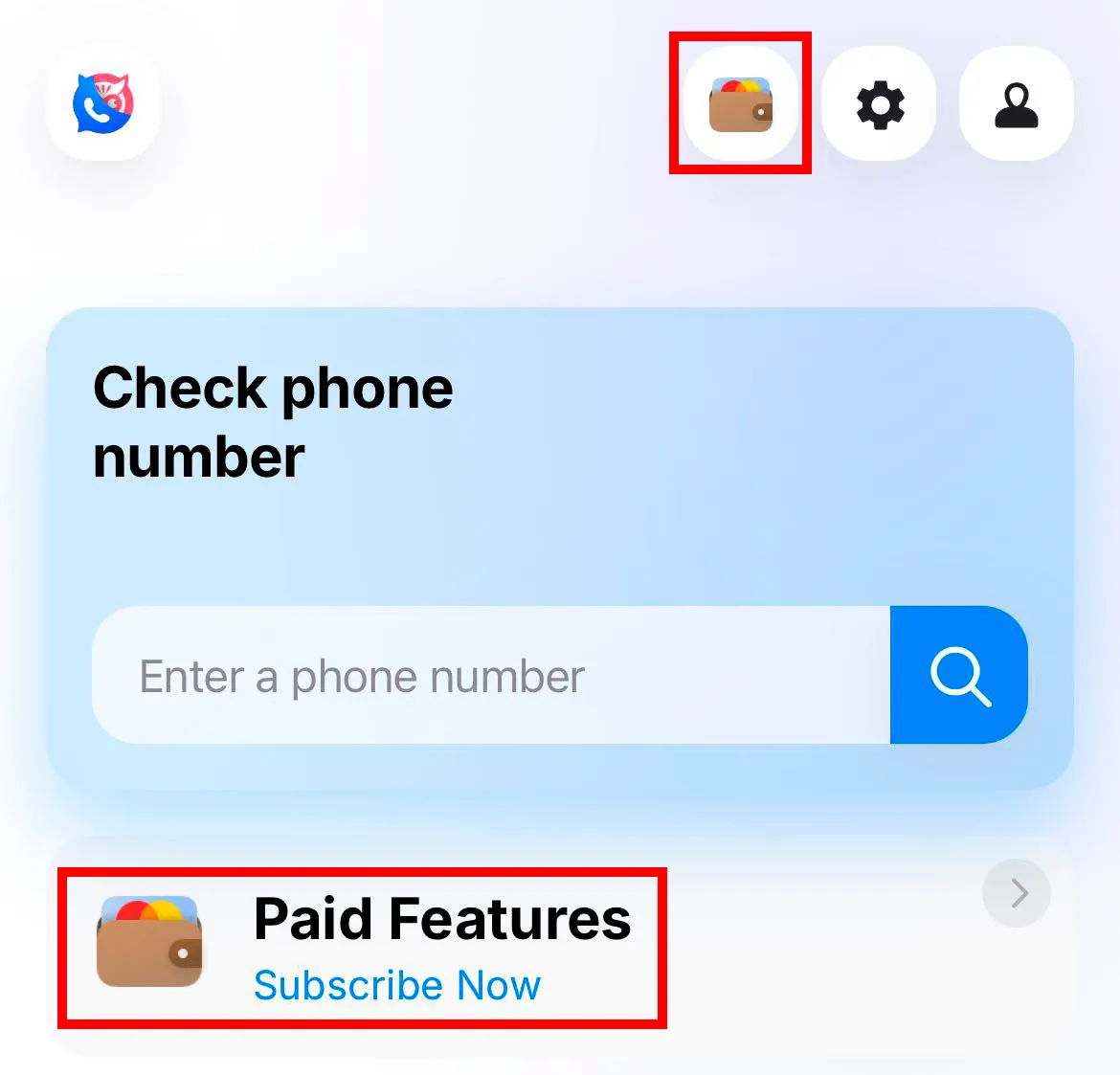
- Select a subscription period and confirm your agreement with the terms of use by checking the box.
- Specify a convenient service for the payment and complete the purchase.
Important: when authorizing via messaging apps, first make sure that the phone number is already confirmed in the messenger on your device.
 Λειτουργίες


 Tariffs
 Βοήθεια